
Step 1: Check the Image
In this step, you'll check whether the loaded image is usable, and skip it if it isn't.
Your task in SuperAnnotate (the annotation tool) comes with a pre-loaded image. Some images are too low quality, too simple, or otherwise unsuitable for reasoning questions. Filtering these out early keeps every question focused on visual reasoning.
Before you start annotating, quickly assess the image. Decide whether it’s usable and how much you can get out of it. If it’s unusable, skip it using the criteria below.
When to skip an image
Only skip an image if it is truly unusable. Skipping is a last resort, not a shortcut. An image is unusable only if it meets one of these criteria:
Low quality
Blurry, pixelated, or text too small to read. If you need to zoom in more than once to find the answer, it isn't clear enough.
Too simple
Minimalist scenes, generic portraits, movie posters, or simple patterns with no reasoning depth. Also skip photos of a screen or chart taken inside a wider scene. If the image is too easy or unstumpable — the model gets it right with no real effort — do not annotate it. Follow the skip workflow below.
Toxic content
Anything offensive or harmful.
Specialized knowledge
The image needs expertise you don't have. Accuracy is a key focus, so skip it if you're not comfortable with the subject.
Foreign language
Fine if none of your prompts rely on it and the image can be understood without it. Skip only if you'd have to read that text to interpret the image.
Skip flyers, posters, and non-data images
Flyers, posters, and anything without a table, chart, or graph will rarely support a strong VQA prompt. If there is genuinely no data to reason over, the image is unusable and should be skipped. But check carefully before deciding.
How to skip
Too-easy or unstumpable images
If the model gets the image right with no real effort, do not annotate it:
- Type
unusablein the prompt section. - Select
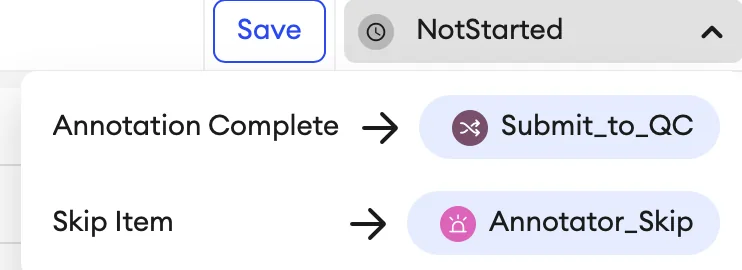
Annotator_Skipin the top right corner of the task in SuperAnnotate.
Fully annotating a task that can't be used wastes your time, and unusable tasks aren't paid. Skipping early saves that effort and keeps these tasks out of the rework loop. This is expected behavior, not a mark against you. If you're unsure whether a task qualifies, ask in #lizard-v3-tasking.
Before you skip: If you've started your Handshake AI task, exit it using the top-right Exit button. If you haven't started it, no action is needed there. Skipping removes the SuperAnnotate task from your queue immediately, and it cannot be recovered.
Skip or keep: examples
Skip
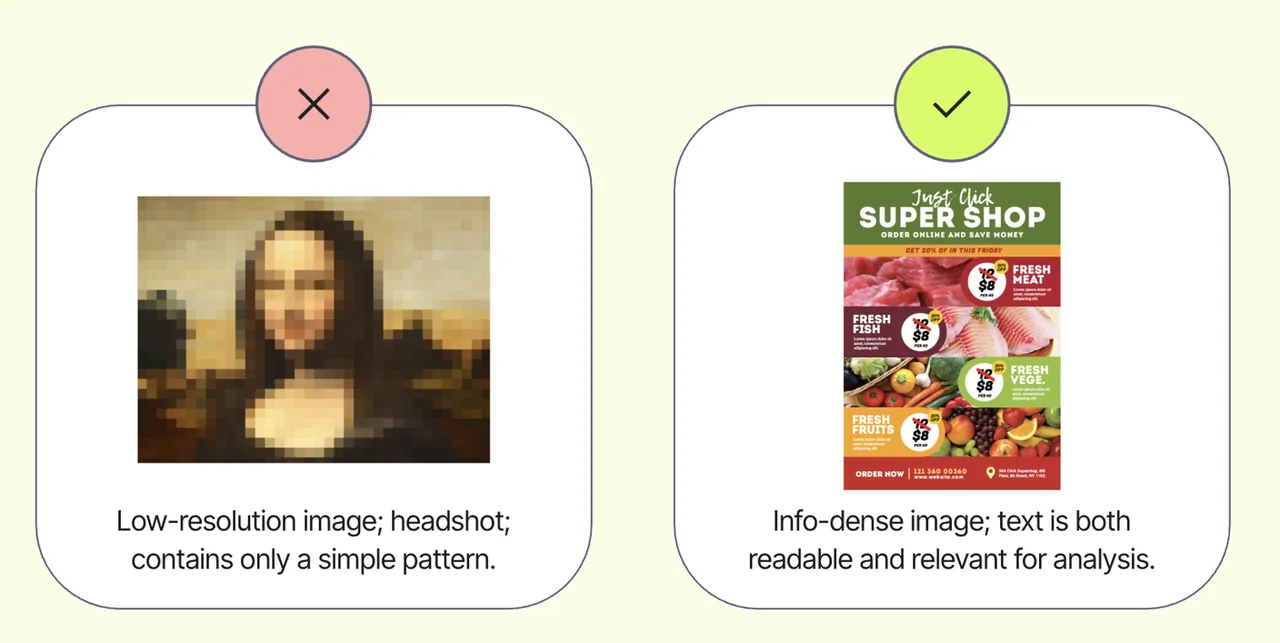
Skip. Low quality or unreadable text.
Skip

Skip. Too simple to support meaningful reasoning.
Skip
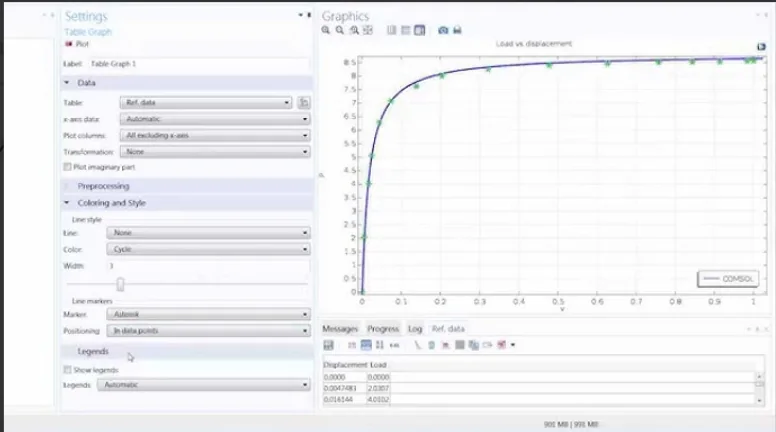
Skip. Image is too blurry.
Skip
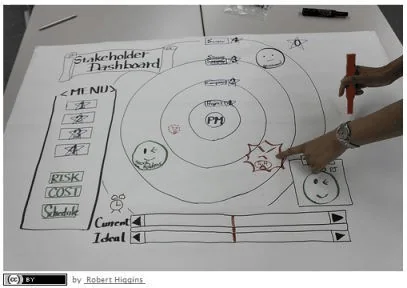
Skip. Image requires niche expertise of subject matter, and is otherwise trivial - not suitable for high quality annotation.
Usable
Images with readable data, multiple elements to compare, and enough depth to support real reasoning. See more in Usable vs Unusable.
Knowledge check
You open a task with a sharp, readable infographic about pharmaceutical drug interactions. You're not a medical professional, and struggle to understand what the infographic is saying. What should you do?