
Step 4: Evaluate and Rewrite
In this step, you'll check to make sure the model generated answer is incorrect, rate the model's response with Thumbs Down, and fill in the Rewrite Answer field with the correct answer.
The goal of this project is to stump the model. Once the model generates a response, evaluate its correctness. Your annotation is only valid if the model got it wrong. If the model returns a correct response, do not rerun it with the same prompt. Change the prompt before generating another answer, and keep revising until the model fails.
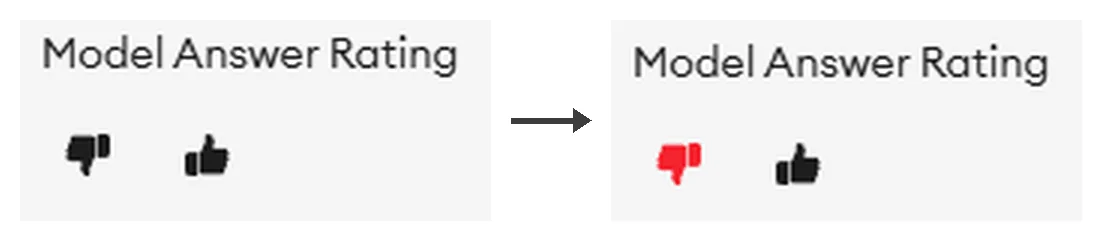
Thumbs Down
On the SuperAnnotate platform, you'll find the Model Answer Rating thumbs up/down below the model's response, along with the Rewrite Answer field. Once you have successfully stumped the model and your annotation satisfies all other guidelines, rate the response with a thumbs-down.
Think of this thumbs-down as your confirmation that the model response was incorrect. All annotations must result in a Thumbs Down.
FINISH_REASON_LENGTH counts as a model failure
If the model output reads FINISH_REASON_LENGTH, treat it as a failure. The model wasn't able to answer your question.
Match the example answer's format
The Answer field must contain only the final answer. No explanations, reasoning, or extra information.
Before submitting, compare your Rewrite Answer against the format of the example answer for that task. Matching the example's format exactly. Punctuation, casing, units, rounding, and structure. Is as important as getting the value right. A correct value in the wrong format will be penalized. Even spacing counts. If the example answer is "4, 2", a Rewrite Answer of "4,2" is incorrect. MCQ rewrite answers must be the bare, capital letter only. No punctuation or other additions A correct value in the wrong format will be penalized — even spacing counts. If the example answer is "4, 2", a Rewrite Answer of "4,2" is incorrect. MCQ rewrite answers must be the bare, capital letter only. No punctuation or other additions MCQ rewrite answers must be the bare, capital letter only — no punctuation or other additions.
The example answer's value must not be the same as the Rewrite Answer. If they match, it's a giveaway.
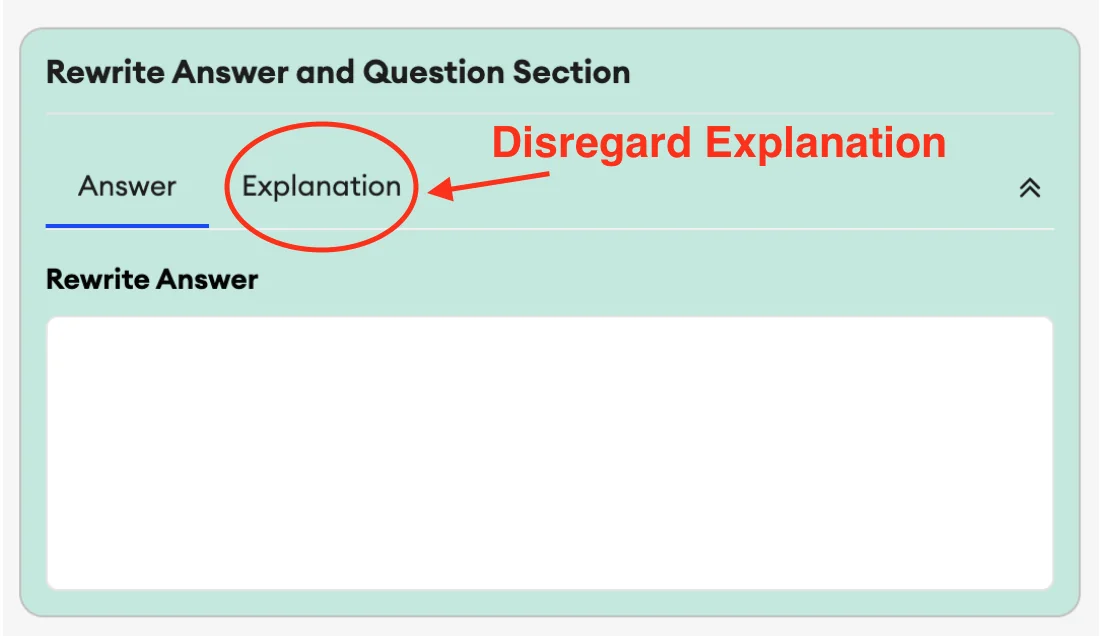
Also remember to leave the Answer Explanation field blank. Disregard it entirely.
What to do when the model keeps answering correctly
Work through it in this order:
Rewrite the question. Return to Step 2 and change the prompt. Do not rerun an unchanged prompt after the model answers correctly.
Run the revised prompt. Go back to Step 3 and generate an answer. If the model is still correct, change the prompt again before another run.
Start small, then overhaul. Begin with smaller rewrites. If small changes aren't stumping the model, try a different skill. If that still fails, rewrite the question from scratch.
Knowledge check
A fellow submits this Rewrite Answer for an MCQ question: "B. The patient recovered fully." What is wrong?