
Step 3: Generate Model Response
In this step, you'll generate the model's response to your prompt and confirm that it fails. That's what makes the annotation valid.
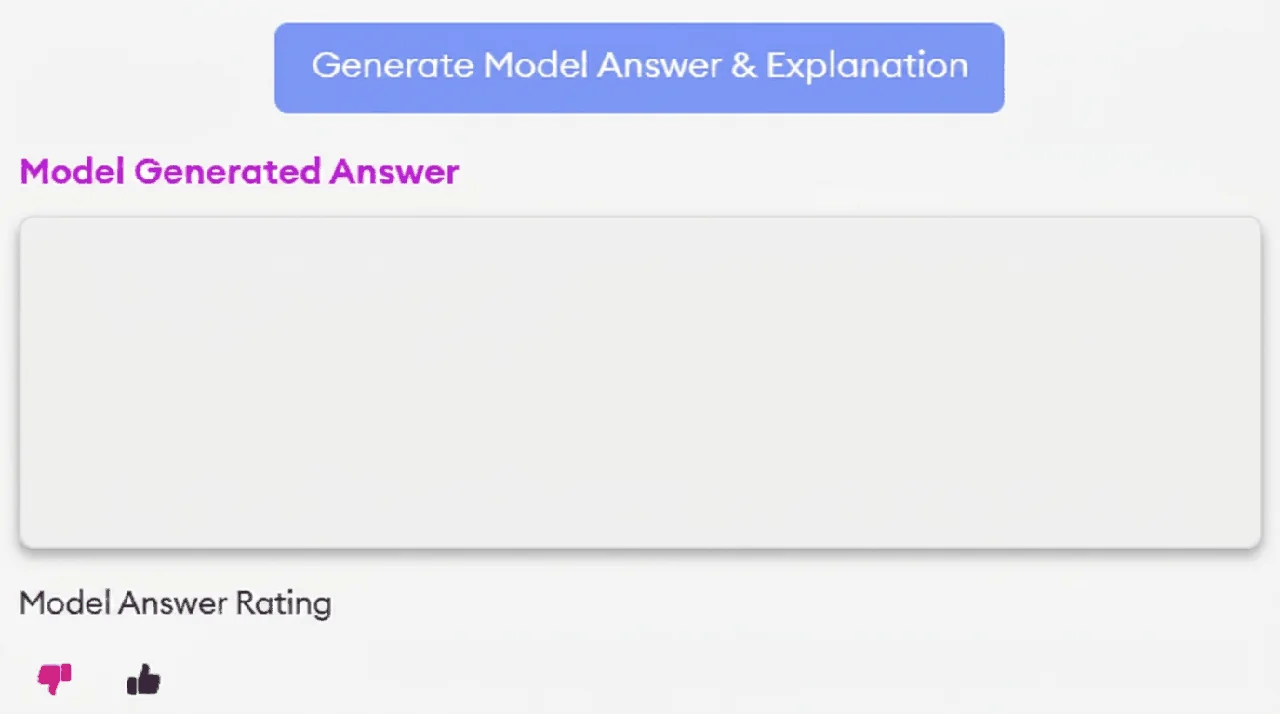
Click the "Generate Model Response" button to receive the model's answer.
Once the response appears, make sure it is incorrect, then set the Model Answer Rating to thumbs down. Every annotation you submit must be one the model got wrong, so a thumbs down is the only valid rating. If the response is correct, the prompt didn't stump the model.
Click only once
The model may take up to a minute to generate the response. Don't click the button repeatedly.
In rare cases when traffic is exceptionally high, the model can slow down or stop working altogether. If the model hasn't responded after 3 minutes, save your work in SuperAnnotate using the save button next to the submission button in the top right, then reload the page. If that doesn't work, report it in the daily thread for SuperAnnotate platform issues in the #lizard-v2-tasking channel on Slack.
FINISH_REASON_LENGTH is a failure
If the model returns FINISH_REASON_LENGTH, it couldn't produce a complete answer. That counts as a model failure. As long as the rest of your annotation holds up, treat it like any other incorrect response.
The model must fail on more than formatting
If the model gets the right answer in a slightly different format, it counts as correct and the task fails. For example, if the correct answer is "2, 3" and the model responds "ANSWER: 2, 3", the model is correct.
Knowledge check
You click "Generate Model Response" once and wait 25 seconds. Still no response. What do you do?